Getting AI to flag problem clauses in contracts, and how far to trust it
It's very good at finding a clause and saying what it does. It isn't a lawyer, and it's weakest exactly where a lawyer is strongest – noticing what's missing. Give it your checklist, make it quote, and keep a person on anything you'd sign.
What it does well
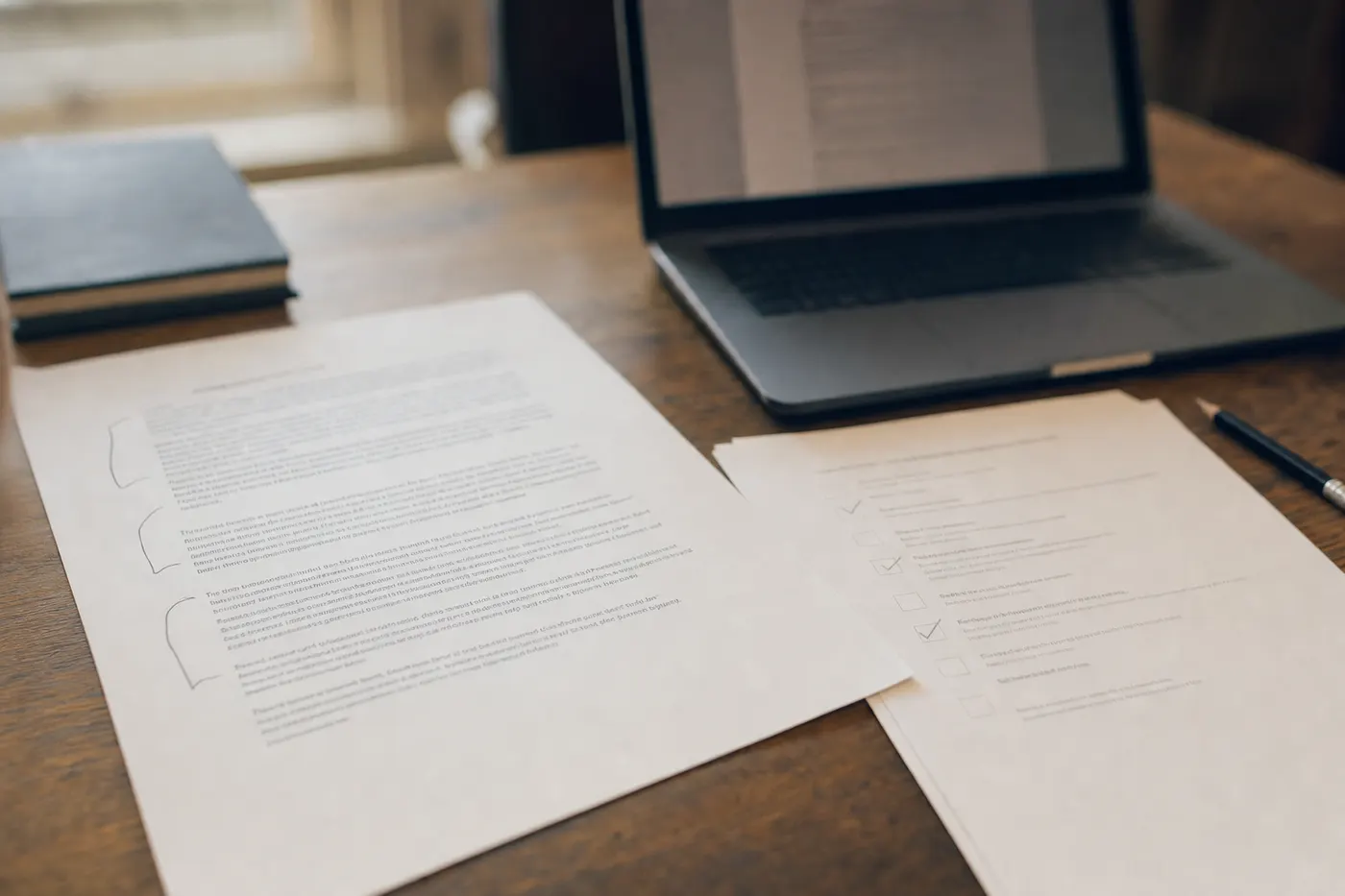
Finding things. Point it at a 40-page agreement and ask where the limitation of liability is and what it says, and it'll find it, quote it and explain it in plain words faster than anyone in the building. Same for payment terms buried in a schedule, a renewal clause that turns silence into a three-year commitment, or an indemnity that only runs one way. If your sales or operations team signs supplier and customer agreements without a lawyer on every one, this is a real step up from skimming.
What it does badly
What's missing. A contract with no limitation of liability at all is the most dangerous kind, and a tool asked to "find the problems" won't mention a clause that isn't there. It has to be told to look for each item and to report when one is absent.
How clauses interact. A reasonable cap in one clause can be undone by a carve-out in another. The tool reads clauses. A lawyer reads the agreement.
Your commercial context. Whether a 90-day payment term is a problem depends on your cash position and the customer. The tool doesn't know that, so it'll either flag everything or nothing.
The checklist method
Write your position on each item once, with your lawyer if you have one, and that becomes the checklist the tool works from.
| Item | Your position (example) | What the tool pulls out |
|---|---|---|
| Limitation of liability | Capped at the contract value, no uncapped indemnities | The clause, quoted, the cap, and anything carved out |
| Indemnities | Mutual, limited to third-party claims | Who indemnifies whom, and for what |
| Payment terms | 30 days, no pay-when-paid | Days, triggers, penalties |
| Termination | For convenience on 30 days' notice, both sides | Who may terminate, when, with what notice |
| Intellectual property | We keep ours, the customer gets a licence to use what we deliver | Who owns what gets created |
| Exclusivity and non-compete | None | Any restriction on who else you may work with |
| Renewal | No automatic renewal beyond one year | Term, renewal mechanism, notice window |
| Governing law | Your jurisdiction | The named law and courts |
Then the instruction, in plain words: for each item, find the clause and quote it exactly. Say whether it meets the position. If you can't find it, say "not found". Don't summarise anything you haven't quoted.
Make it quote
The quoting is the control. A flag that says "the liability clause looks unfavourable" takes a person 20 minutes to verify. A flag that says "clause 14.2 reads: … which exceeds the position of a cap at contract value" takes 20 seconds – the reviewer reads the quote and either agrees or doesn't. It also makes invention visible, because a quote that isn't in the document gets caught on the first check. Everything in validating what AI produces applies here.
The two-stage review
Every contract: the tool runs the checklist, and a named person reads the flags and the quotes. Some contracts: a lawyer, and the triggers that send it to one are written down in advance, so the decision isn't made under time pressure. The usual triggers are any item marked "not found", any uncapped liability, any exclusivity, any contract over an agreed value, and any counterparty in a jurisdiction you don't normally work in. The tool makes the first stage fast and the second stage rarer. It doesn't replace either one.
Where to run it
Contracts sit in the confidential ring, and anything under a non-disclosure agreement is restricted. That means a company workspace with training switched off, the file uploaded for the review and removed afterwards, no agent in the loop, and the output read by a person before it goes anywhere. Protecting IP and company data has the conditions in full.